
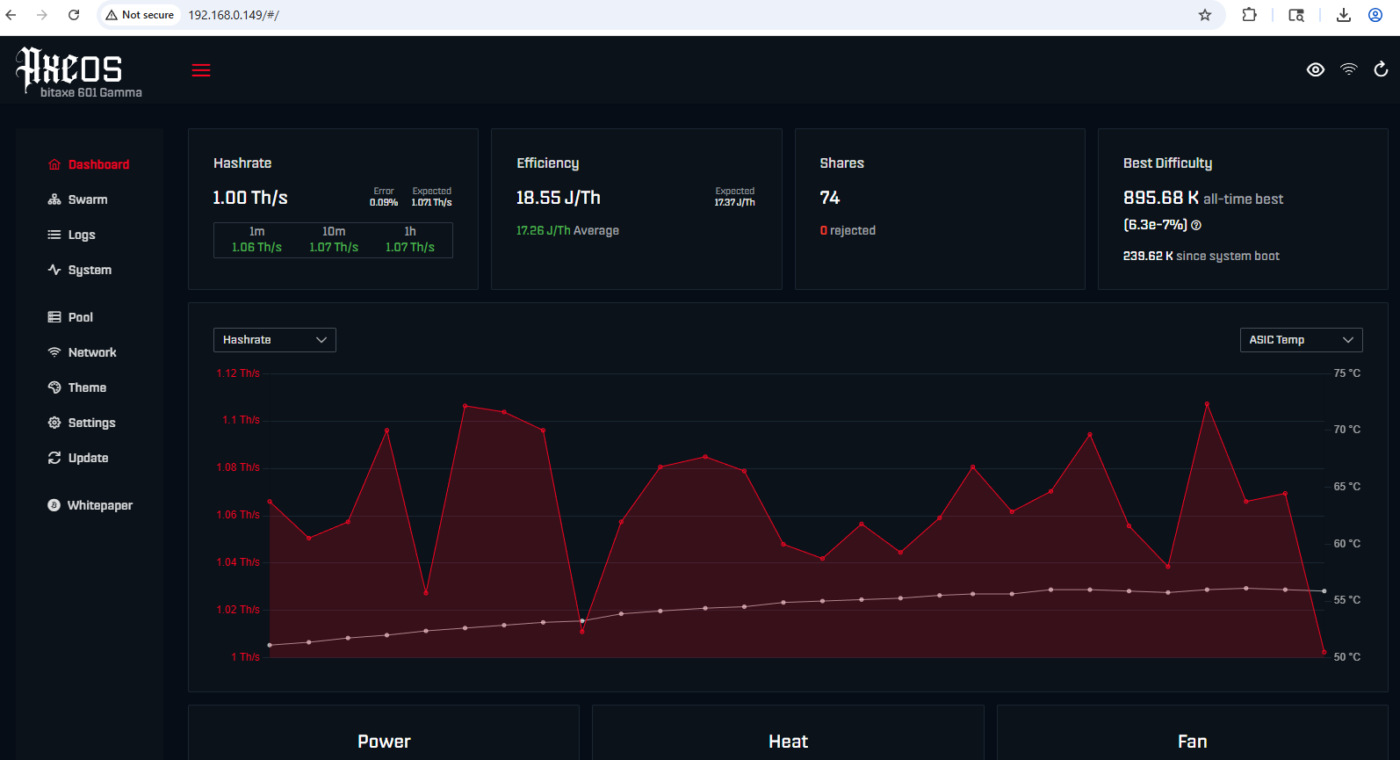
This bitaxe setup guide will walk you through the steps to set up any bitaxe solo lottery miner, including supra, ultra, gamma, hex, and even octaxe. It includes the steps to power on your device, connect it to the 2.4 GHz channel of your WIFI router, and even get it connected to your Bitcoin wallet. […]
Category Archives: Setup Guides

You should always ensure that you are using an updated version of your USB NM Lottery Miner in order to optimize its performance and make it compatible with the latest mining techniques. The positive side is that updating is fast and easy to do. This guide will show you how to update the firmware of […]
The EPS32 (CYD) USB Bitcoin miner has gained popularity very rapidly as one of the simplest, least expensive ways to begin participating in a lottery-based mining pool. To better understand how this fits into the broader ecosystem and the latest developments in this space, you can read Lottery Mining: Ultimate New Hardware & Trends 2026. […]

If you have purchased your NMMaxe (Bitaxe) lottery miner, it will not be that difficult to set it up, as shown below. Here’s an easy-to-understand guide to help even a novice cryptocurrency miner understand the whole process. Lottery miners, or solo miners, do not offer guaranteed profits but provide the user with chances of earning […]